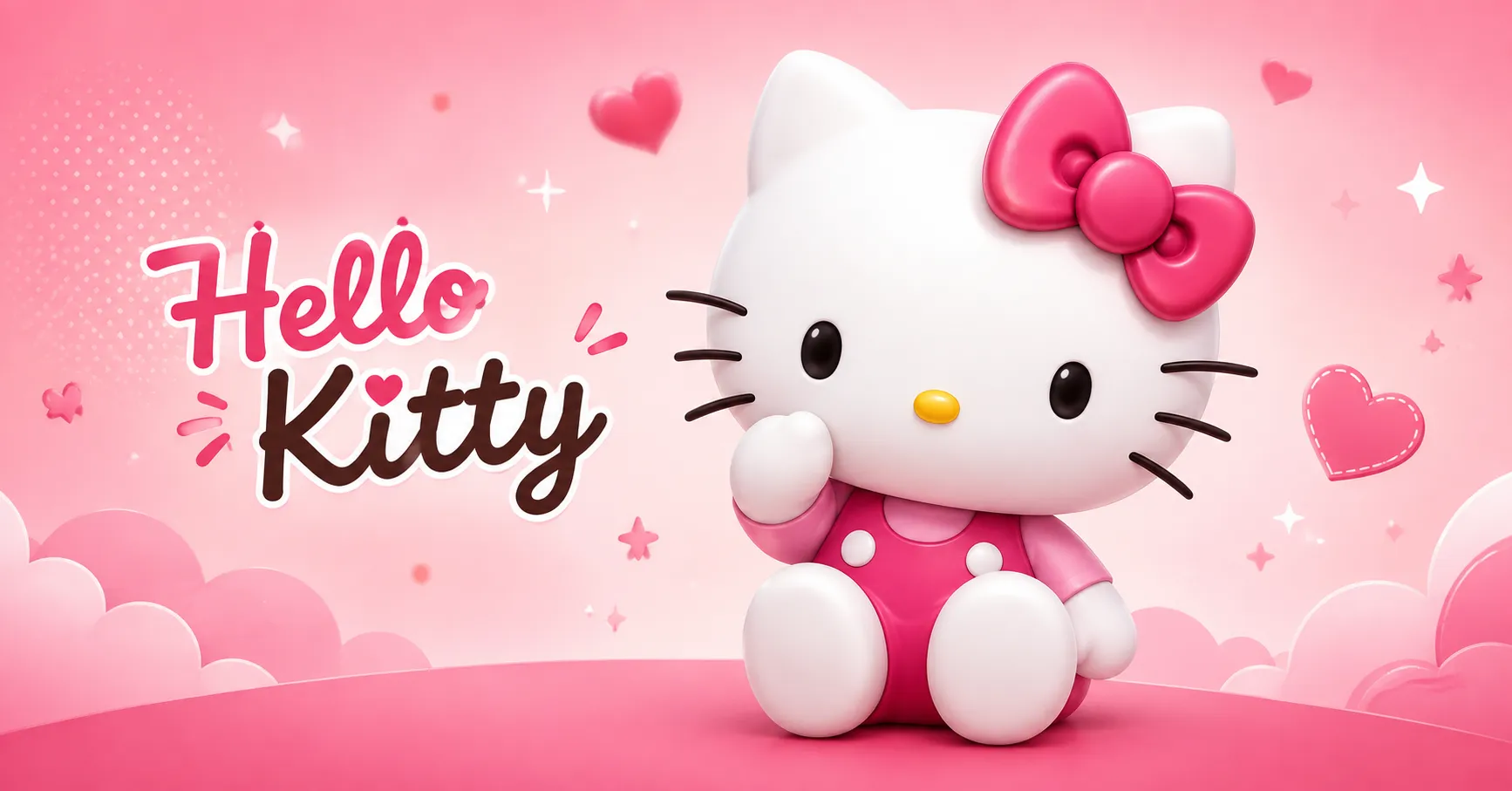
A Hello Kitty transparent PNG is a popular image choice for websites, social media graphics, presentations, digital stickers, crafts, and creative projects. Unlike images with a solid white or colored background, a transparent PNG allows the Hello Kitty character to appear cleanly over another design, color, photo, or layout.
Finding the right transparent image is only the first step. You also need to understand image quality, dimensions, licensing, file formats, background removal, and how to use the image effectively. A poorly prepared PNG can look blurry, pixelated, or unsuitable for professional work.
This guide explains how to find, choose, edit, and use Hello Kitty transparent PNG images while keeping your designs visually clean and practical.
Hello Kitty Transparent PNG: What It Means and Why It Matters
A transparent PNG is an image file that can contain transparent areas around the visible subject. This makes it different from a standard JPG, where the background usually remains visible.
For example, if you place a Hello Kitty image with a white background on a colorful website, the white rectangle may appear around the character. A transparent PNG removes that unwanted background so the character can blend naturally into your design.
Transparent images are especially useful when you want flexibility. You can place the same graphic on a pink background, dark background, patterned design, product mockup, or social media template without manually removing the background every time.
The PNG format also supports sharp edges and transparency, which makes it suitable for graphics, logos, icons, stickers, and decorative elements. However, PNG files can be larger than JPG files because they often preserve more image information.
The term Hello Kitty transparent PNG can refer to many different types of images, including character poses, themed illustrations, decorative graphics, icons, stickers, and simple character artwork.
When choosing an image, always consider where you plan to use it. A small PNG may work perfectly for a blog thumbnail but look poor when enlarged for printing.
How to Choose a High-Quality Hello Kitty Transparent PNG
Not every PNG available online offers the same quality. Some images have rough edges, low resolution, visible remnants of the original background, or compression artifacts.
Before downloading an image, inspect its dimensions and appearance. A larger image generally provides more flexibility for resizing, although resolution alone does not guarantee quality.
Look for These Important Features
- Transparent background without unwanted white edges
- High resolution
- Clean and smooth outlines
- Sharp details
- Suitable dimensions for your project
- PNG file format
- No visible pixelation
- Clear subject separation
- Appropriate licensing or usage rights
For web design, a moderate-resolution PNG can be enough because extremely large files can slow down page loading.
For printing, choose a much higher-resolution source and check the intended print dimensions before using it.
Check the Background Carefully
Some websites display an image against a checkerboard pattern to indicate transparency. However, you should verify the actual downloaded file rather than relying only on the website preview.
A genuine transparent PNG should show transparency around the character when opened in an image editor that supports alpha channels.
Where You Can Use a Hello Kitty Transparent PNG
A transparent character image can work across many creative projects. Its biggest advantage is flexibility because you can place it over almost any background.
Common Uses
- Website graphics
Use a suitable image in blog posts, feature graphics, decorative sections, or creative landing pages. - Social media designs
Transparent PNGs can be added to posts, stories, thumbnails, banners, and promotional graphics. - Digital stickers
A transparent background makes character artwork convenient for digital sticker designs. - Craft projects
You can incorporate suitable graphics into printable craft templates and personal creative projects. - Presentations
A transparent image can add visual interest without covering the entire slide with a rectangular background. - Video thumbnails
Designers can place a character graphic beside text or other visual elements.
Why Transparency Makes a Difference
Imagine creating a colorful pink-and-white design. A Hello Kitty image with a white rectangle behind it may interrupt the composition. A transparent PNG allows the surrounding design to remain visible, creating a cleaner result.
This is particularly useful when you need to layer several graphics together.
How to Remove the Background From a Hello Kitty Image
If you cannot find a ready-made transparent PNG, you can remove the background from an image using an image editor or background-removal tool.
The basic workflow is simple.
Step-by-Step Background Removal
- Open the original image in an editing application.
- Select the background-removal or selection tool.
- Carefully isolate the character.
- Remove the unwanted background.
- Zoom in and inspect the edges.
- Clean leftover pixels around the subject.
- Export the final image as PNG.
- Confirm that transparency remains after export.
The most important step is edge cleanup. Automated background removal can sometimes leave small white or colored halos around the subject.
For a professional-looking result, inspect the image at high magnification before saving it.
Hello Kitty PNG vs JPG: Which Format Should You Use?
The choice between PNG and JPG depends on the purpose of the image.
| Feature | PNG | JPG |
|---|---|---|
| Transparency | Yes | No |
| Best for graphics | Excellent | Moderate |
| File size | Usually larger | Usually smaller |
| Background removal | Supported | Not preserved |
| Web photography | Less ideal | Excellent |
| Logos/icons | Excellent | Less suitable |
If you need a character without a background, PNG is usually the more practical choice.
If you are saving a full photographic image with no transparency requirement, JPG may offer better compression and a smaller file size.
When PNG Is the Better Choice
Choose PNG when:
- You need a transparent background.
- You are creating layered graphics.
- You need sharp graphic edges.
- You are designing stickers or icons.
- You need to place the subject over different backgrounds.
How to Use a Transparent PNG for a Website
Website owners should consider both visual quality and performance. A huge PNG can make a webpage unnecessarily heavy.
Before uploading your image, resize it to the dimensions you actually need. If the image will appear at approximately 600 pixels wide, there is often little reason to upload an enormous file unless you need additional flexibility.
Website Optimization Tips
- Resize oversized PNG files.
- Compress the image without damaging quality.
- Use descriptive file names.
- Add meaningful alt text.
- Keep the image relevant to the page.
- Avoid uploading unnecessary duplicates.
- Consider modern image formats when transparency requirements allow them.
For SEO, do not treat the image file name as the only optimization opportunity. The surrounding page content should also clearly explain what the image represents.
For example, a descriptive filename such as hello-kitty-transparent-png.png can be more useful than a generic filename such as IMG_9283.png.
Licensing and Copyright Considerations
This is one of the most important considerations when using Hello Kitty imagery online.
Hello Kitty is a well-known character associated with Sanrio, so you should not automatically assume that every image found through an image search is free for commercial use.
A website offering a downloadable PNG does not necessarily own the underlying character rights or have permission to redistribute the artwork.
Before Using an Image Commercially
Check:
- Who created the artwork?
- Where did the image originate?
- Does the source provide a license?
- Is commercial use allowed?
- Are modifications permitted?
- Is attribution required?
- Does the license restrict merchandise or resale?
For personal projects, the rules may differ from commercial projects, but you should still respect the rights associated with the artwork.
If you operate a website that earns money through advertising, affiliate marketing, products, or sponsored content, pay particular attention to licensing.
How to Find the Right Hello Kitty Transparent PNG
Search more specifically rather than downloading the first result you see.
Useful search variations can include:
- hello kitty transparent png
- Hello Kitty PNG with transparent background
- Hello Kitty character PNG
- Hello Kitty sticker PNG
- Hello Kitty high-resolution PNG
- Hello Kitty transparent image
- Hello Kitty PNG for design
Different search terms can produce different styles and resolutions.
However, always verify the original source and usage rights before publishing or distributing the image.
Common Mistakes to Avoid
Many image problems happen because users focus only on appearance and forget technical details.
Mistake 1: Using a JPG Instead of a Transparent PNG
A JPG cannot preserve transparent areas. Saving a transparent design as JPG can introduce a solid background.
Mistake 2: Enlarging a Tiny Image
Increasing the size of a very small PNG can create blurry edges and visible pixels.
Mistake 3: Ignoring Licensing
An image being available through a search engine does not mean it is free to use.
Mistake 4: Uploading Huge Files
A massive PNG can unnecessarily increase page weight and affect website performance.
Mistake 5: Forgetting Edge Cleanup
Poor background removal can leave a white outline around the character.
Tips for Creating Better Designs With Transparent PNGs
A transparent image gives you more creative control, but good design still requires balance.
Keep the composition simple. Avoid placing too many decorative elements around the character.
Create enough contrast. The character should remain clearly visible against the background.
Maintain consistent sizing. If several graphics appear together, their proportions should look intentional.
Leave sufficient whitespace. Crowding the image with text and decorations can make the design difficult to read.
Use transparency as a design advantage rather than simply removing the background.
For websites, also make sure the image looks good on both desktop and mobile screens.
FAQ
What is a Hello Kitty transparent PNG?
It is a PNG image featuring Hello Kitty with transparent areas around the visible artwork, allowing the image to be placed over different backgrounds.
Can I use a Hello Kitty PNG commercially?
Not automatically. Hello Kitty is a protected character, and the specific artwork may also have copyright restrictions. Always check the applicable licensing and permissions before commercial use.
Why does my PNG show a white background?
The original file may not actually contain transparency, or it may have been exported incorrectly. Open the file in an editor that displays transparency to verify it.
Is PNG better than JPG for transparent images?
Yes. PNG supports transparency, while JPG does not preserve transparent backgrounds.
Can I make a transparent PNG myself?
Yes. You can use an image editor or a background-removal tool, then export the finished artwork in PNG format while preserving transparency.
What size should a website PNG be?
There is no universal size. Choose dimensions based on how large the image will actually appear and optimize the file to balance quality and performance.
Conclusion
A Hello Kitty transparent PNG can be a useful creative asset for websites, social media graphics, presentations, digital stickers, and personal design projects. Its transparent background makes it much easier to combine the character with different colors, layouts, and visual elements.
The best results come from choosing a high-quality image, checking transparency, optimizing the file for its intended use, and paying close attention to licensing. For website owners, image optimization matters just as much as appearance because unnecessarily large PNG files can affect performance.
Most importantly, do not assume that an image is free to reuse simply because you found it online. Verify the source and usage permissions before publishing, modifying, selling, or distributing the artwork. By combining good image quality, smart optimization, and responsible usage, you can make your Hello Kitty-themed designs cleaner, faster, and more professional.